Address’ will read invalid if it has #, &. in them
Ambiguous Address
- On the home page of NetSuite click on CS-Ambiguous Address (Correct ASAP)
- Click View
- Scroll down to dark blue bar and select shipping
- Click on map next to address
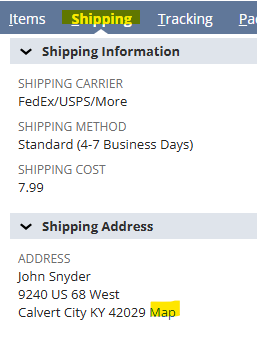
- Check to make sure city, state and zipcode match
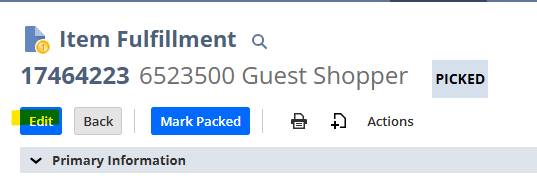
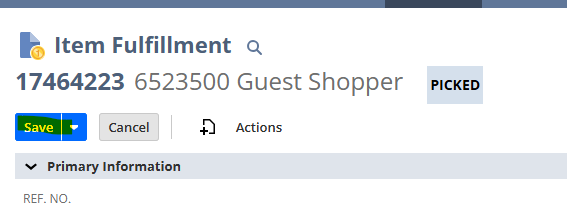
- On the Item Fulfillment click edit
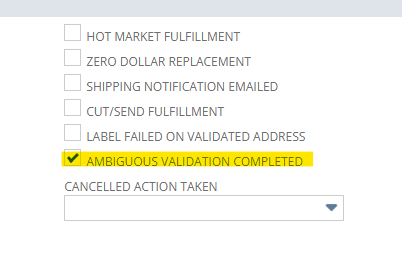
- Check the Ambiguous Validation Completed box
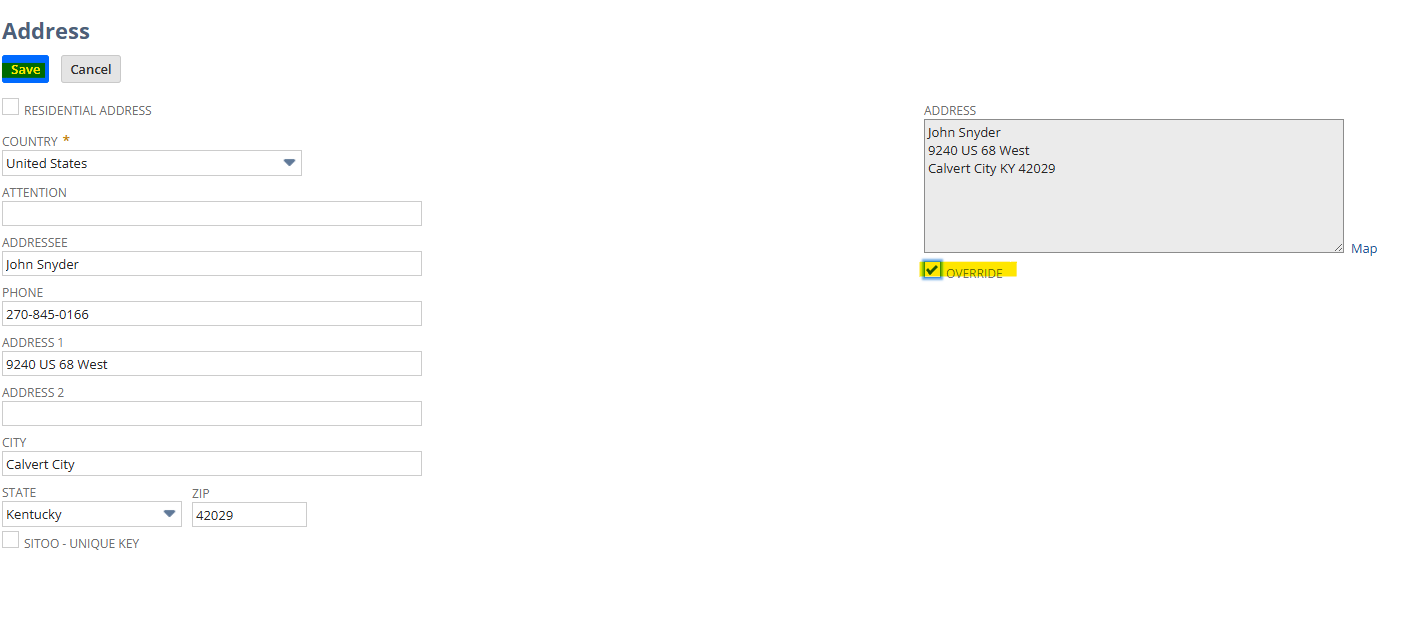
- Under shipping address click the edit arrow box
- A pop up will appear
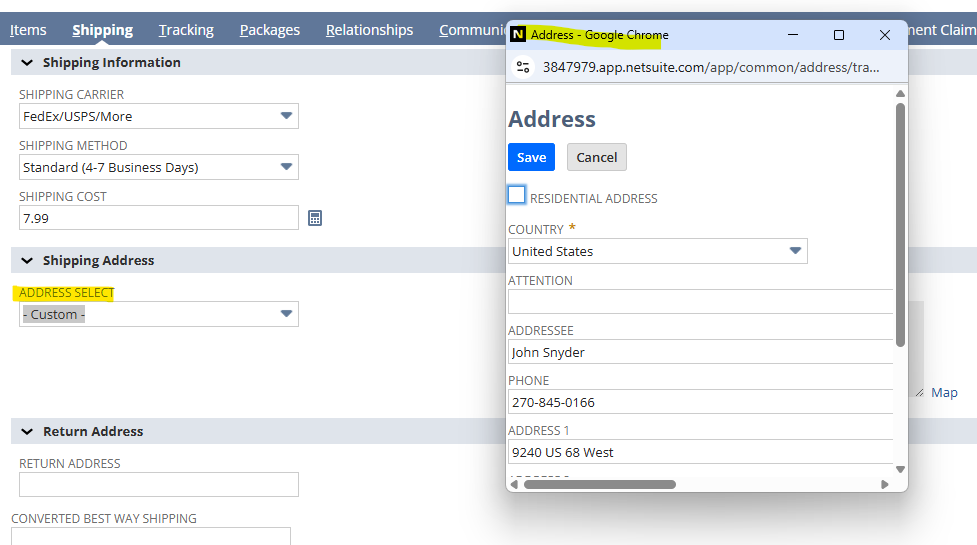
- Correct Address and click the Override Button, then Save
- Click Save


Address Cases
- On the home page of NetSuite click on CS-Address Issues
- Click View
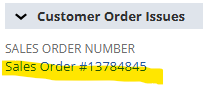
- Scroll to Customer Order Issues and click on the Sales Order number
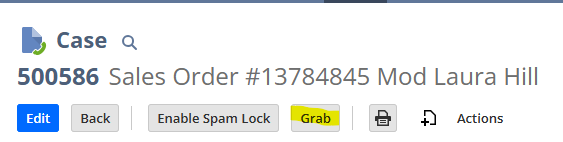
- Click Grab
- Open Sales Order tab
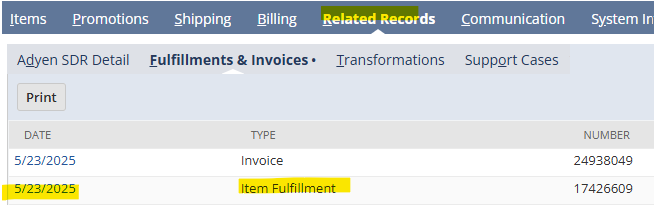
- Scroll to dark blue bar and select related records
- Click on Fulfillments and Invoices
- Click on Item Fulfillment
- Scroll to dark blue bar and select shipping
- Click on map next to address
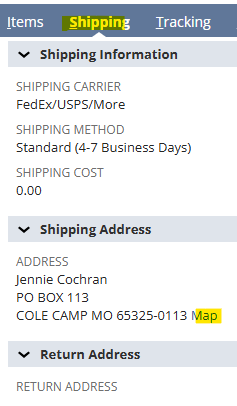
- Check to make sure city, state and zipcode match
- On Item Fulfillment click edit
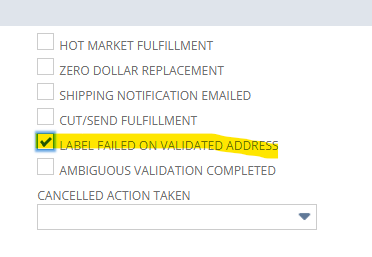
- Check the Label Failed on Validated Address box
- Under shipping address click on the edit arrow box
- A pop up will appear
- Correct Address and click the Override Button, then Save
- Check the best way shipping
- May need to change Codes from 13 to 01 if expedited

- Save
- Go back to the Case tab
- Under Incident Information change status to Store Action Required
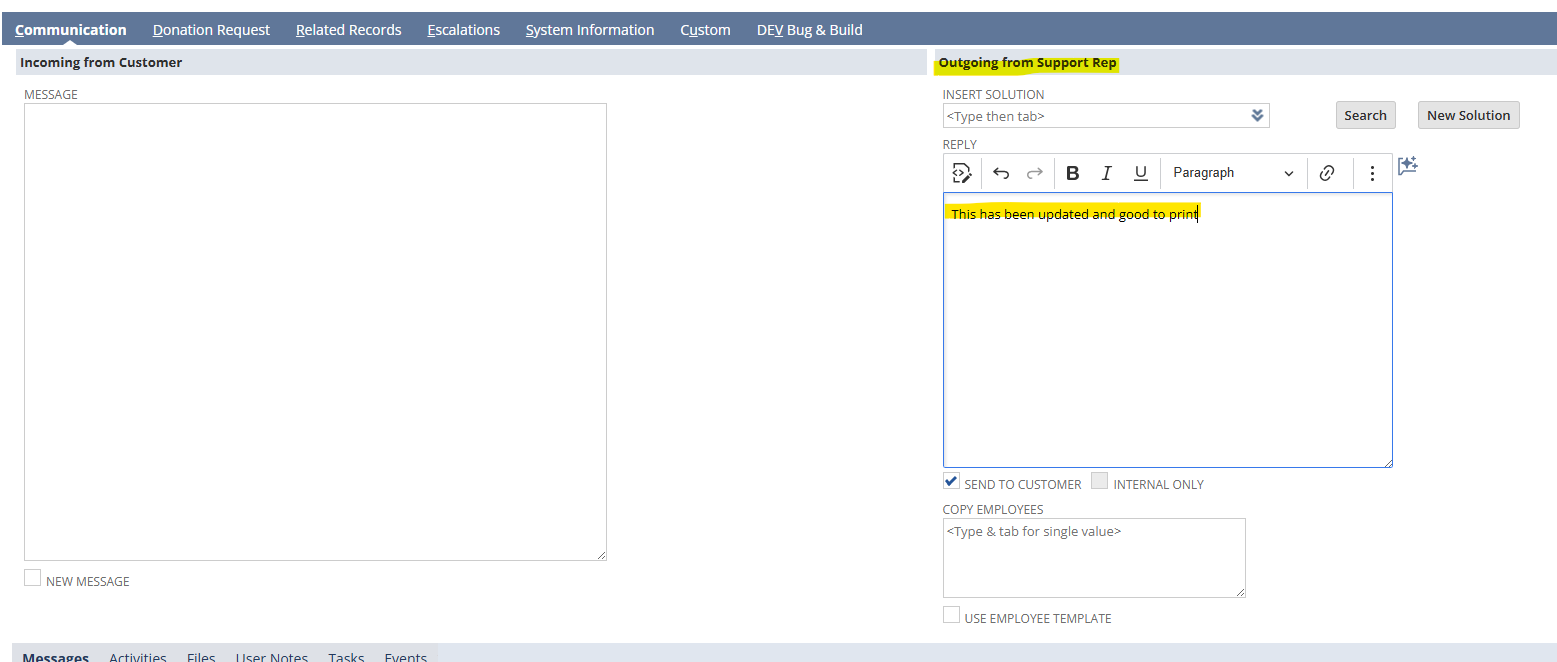
- Scroll to the Outgoing from Support Rep
- Type in this has been updated and good to print
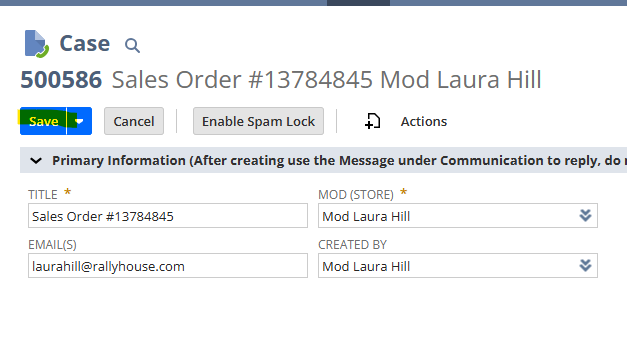
- Save