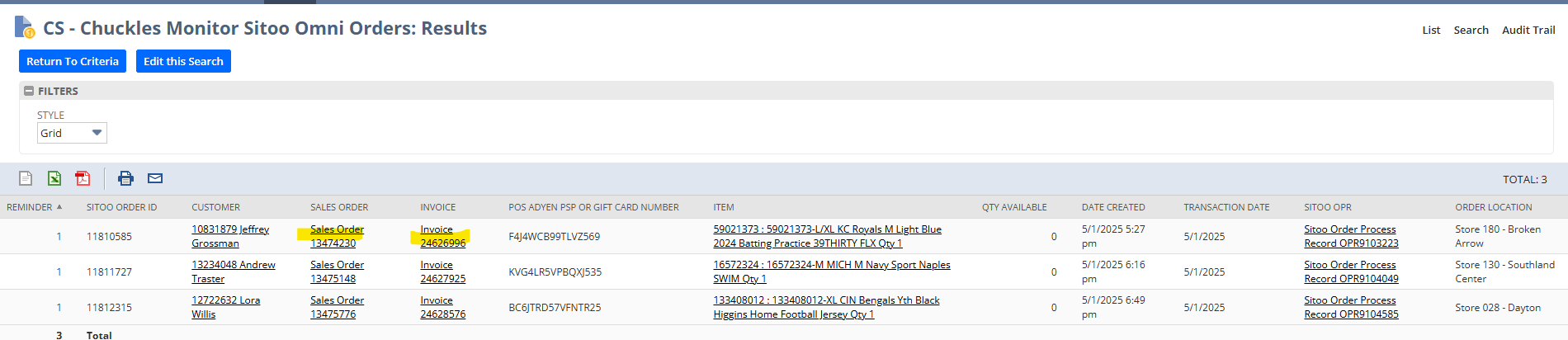
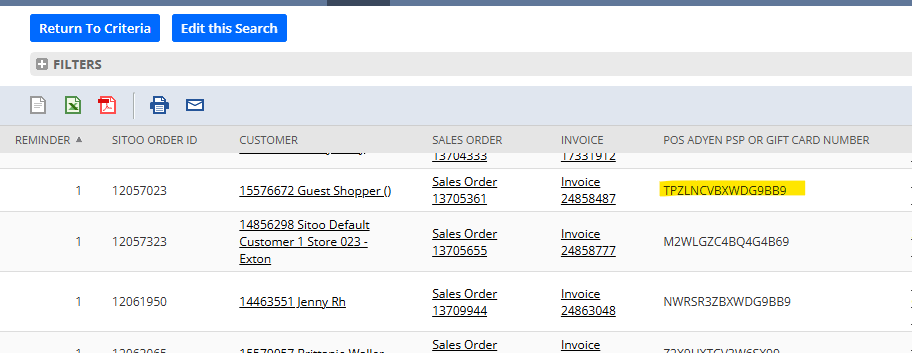
- On the home page of NetSuite click on CS- Chuckles Monitor Sitoo Omni Orders
- Open Sales Order and Invoice in a separate tab
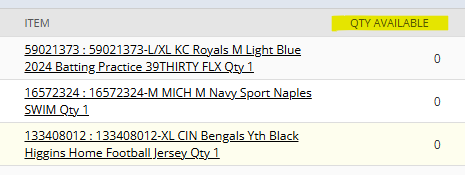
- Check Quantity available
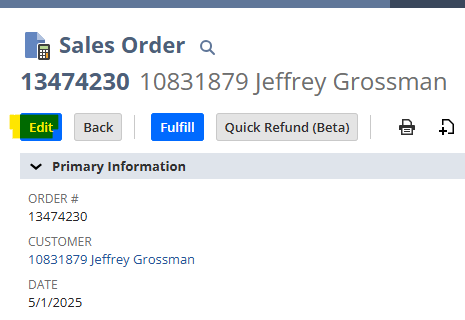
- If Quantity is zero go to Sales Order and Click Edit
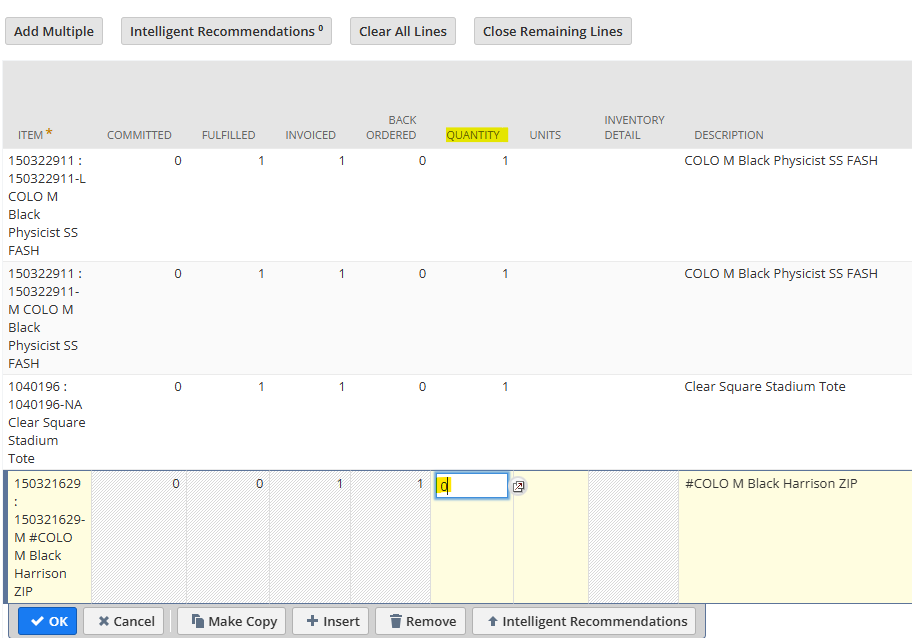
- Click on Quantity of item out of stock and make it zero
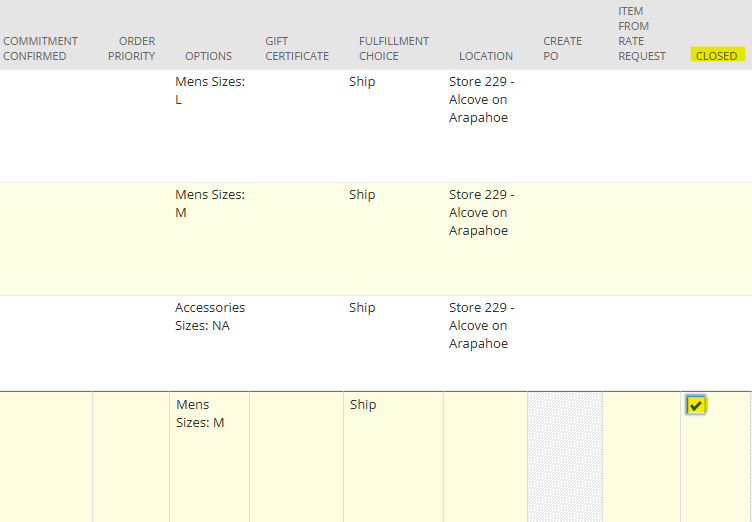
- Scroll to the right and click on closed for the item that is out of stock
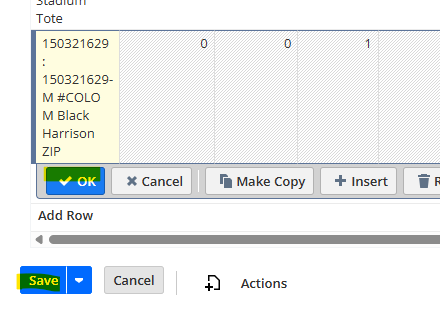
- Click Okay and Save
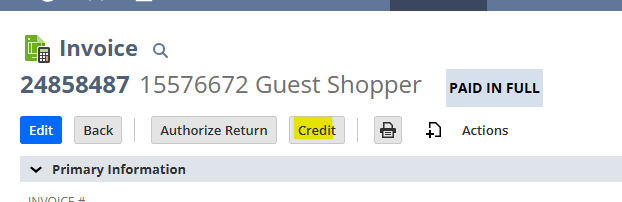
- Go to the Invoice and click credit
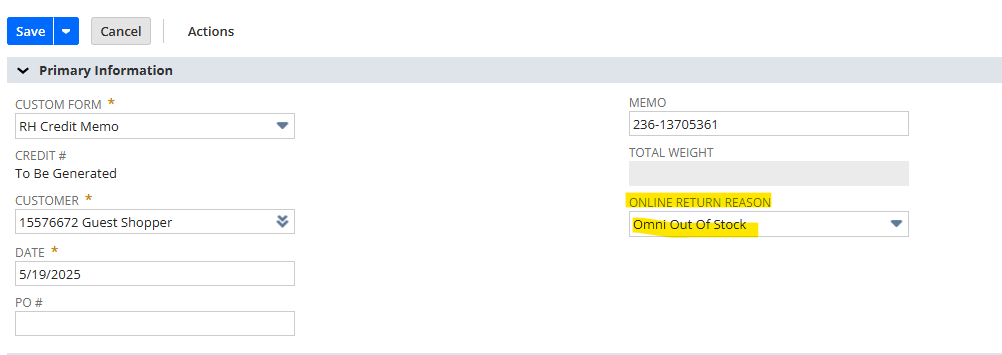
- Select online return reason as Omni out of stock
- Scroll to items and click on items not refunding
- Click on remove icon
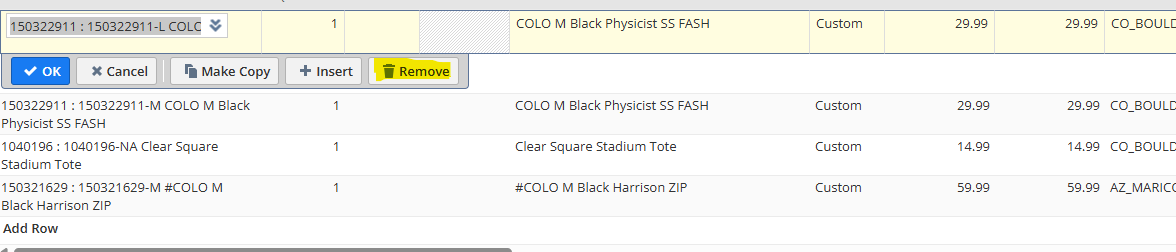
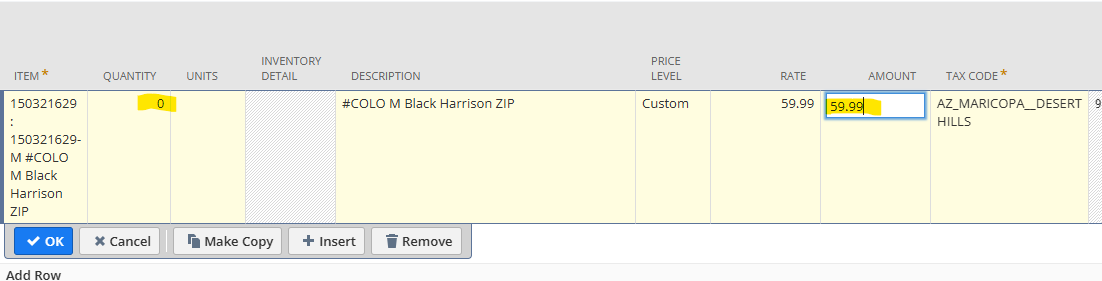
- Change quantity to zero and add amount of the item back
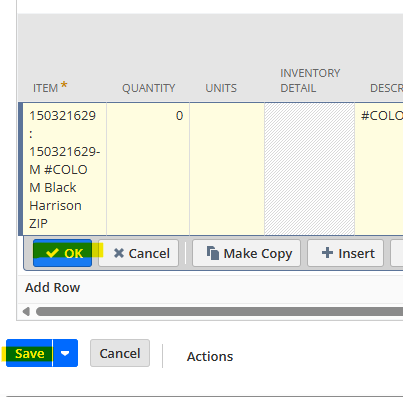
- Select Ok and Save
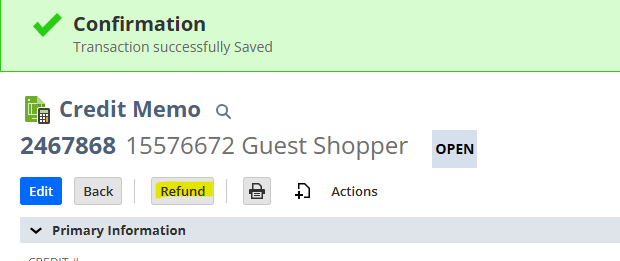
- Click Refund
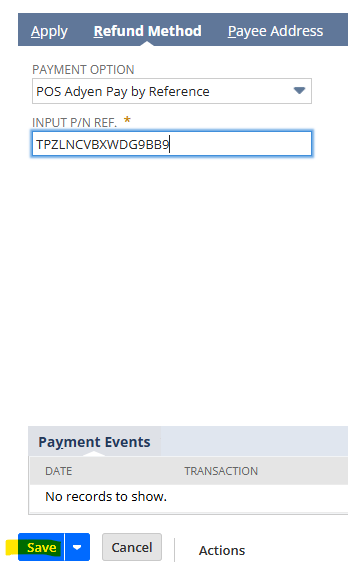
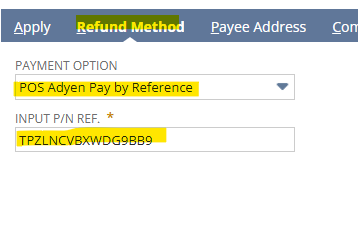
- Click on Refund Method on the dark blue bar
- Select payment method POS Adyen Pay By Reference
- Paste the PSP number
- PSP numbers will be found on the Chuckles Monitor Sitoo Omni Orders Results
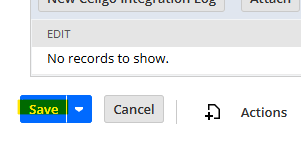
- Click Save
- If there is Quantity to Fulfill Click edit on the Sales Order
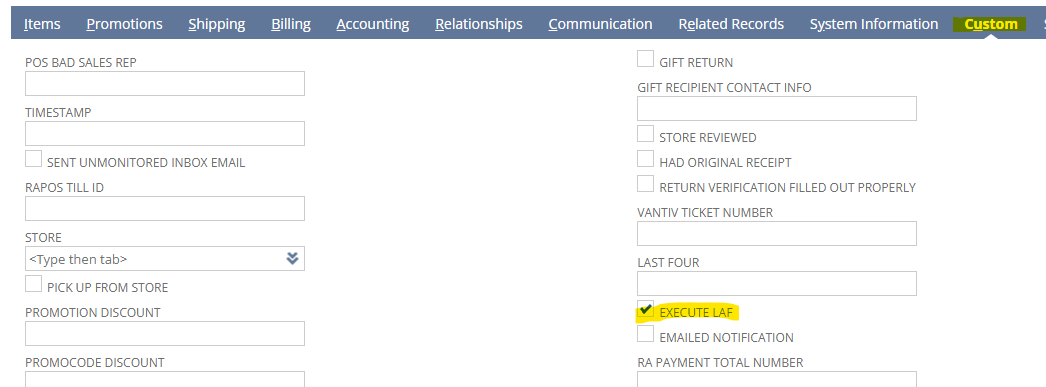
- Scroll to dark blue bar and select custom
- Check Execute LAF
- Click Save